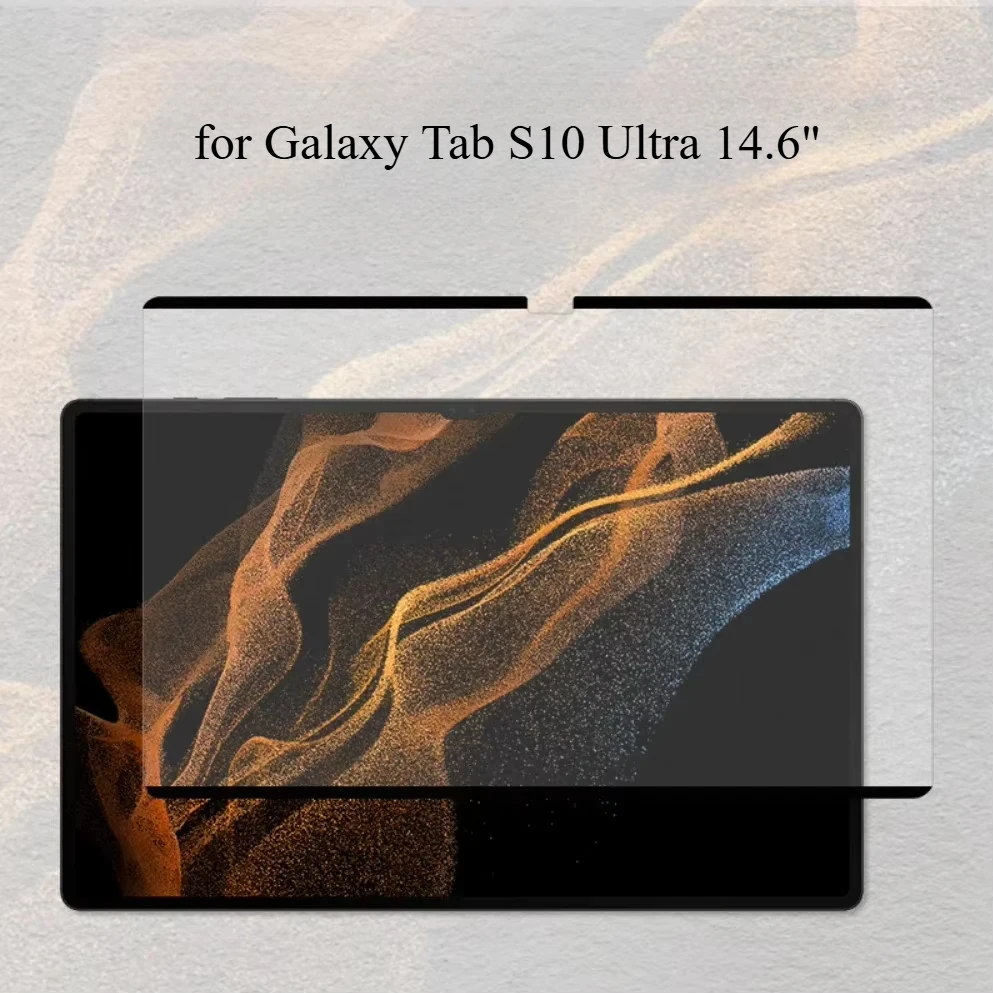
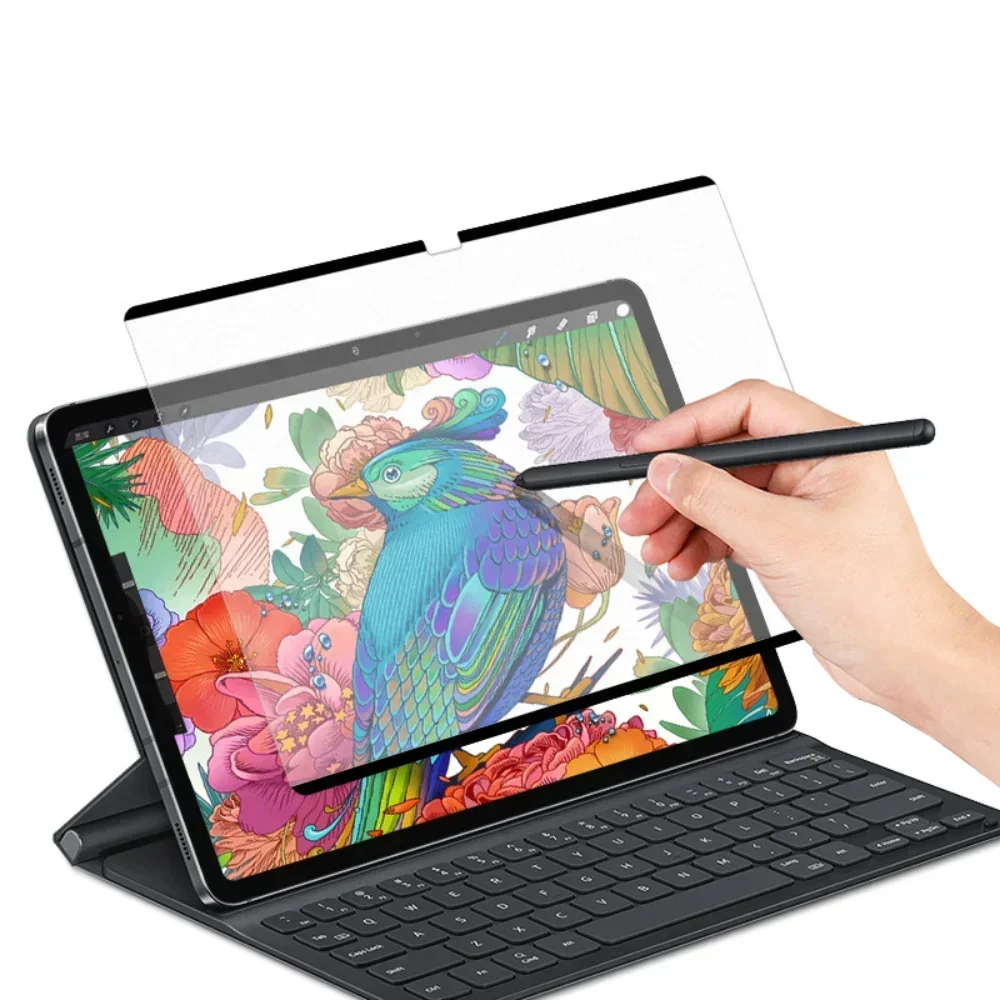
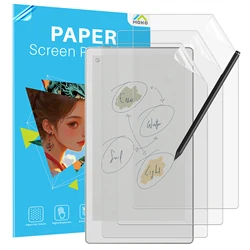
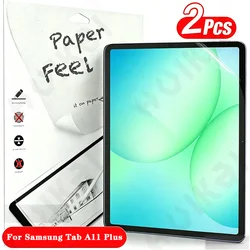
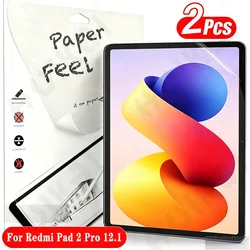
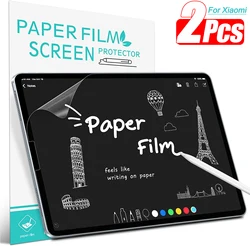
🖐️ Introducing the Paper Feel Screen Protector - the ultimate accessory for your Samsung Galaxy Tab S10, S9, and S8 Ultra!
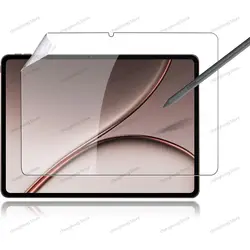
🌫️ Enhance your tablet experience with our Paper Feel Matte Screen Protector, specifically designed for the Samsung Galaxy Tab models featuring a stunning 14.6 inch display. Crafted from high-quality soft PET material, this screen protector mimics the tactile sensation of writing on paper, providing an unparalleled writing and drawing experience.
🔧 Key Features:
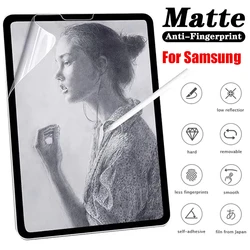
- True Writing Experience: The unique matte finish allows for smooth stylus navigation and feels like you're writing on real paper, making it perfect for artists, note-takers, and students alike.
- Anti-Glare Protection: With its anti-glare properties, our screen protector reduces reflections and distractions, providing clear visibility even in bright lighting conditions.
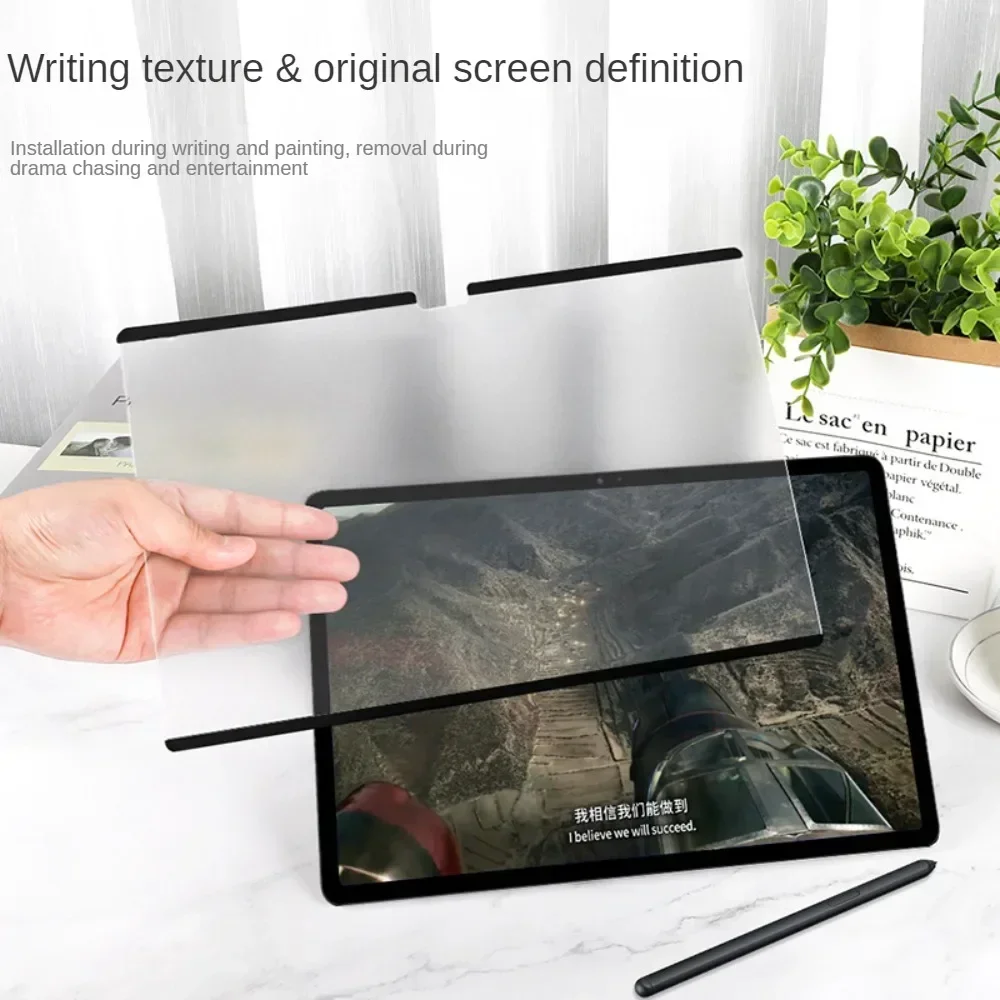
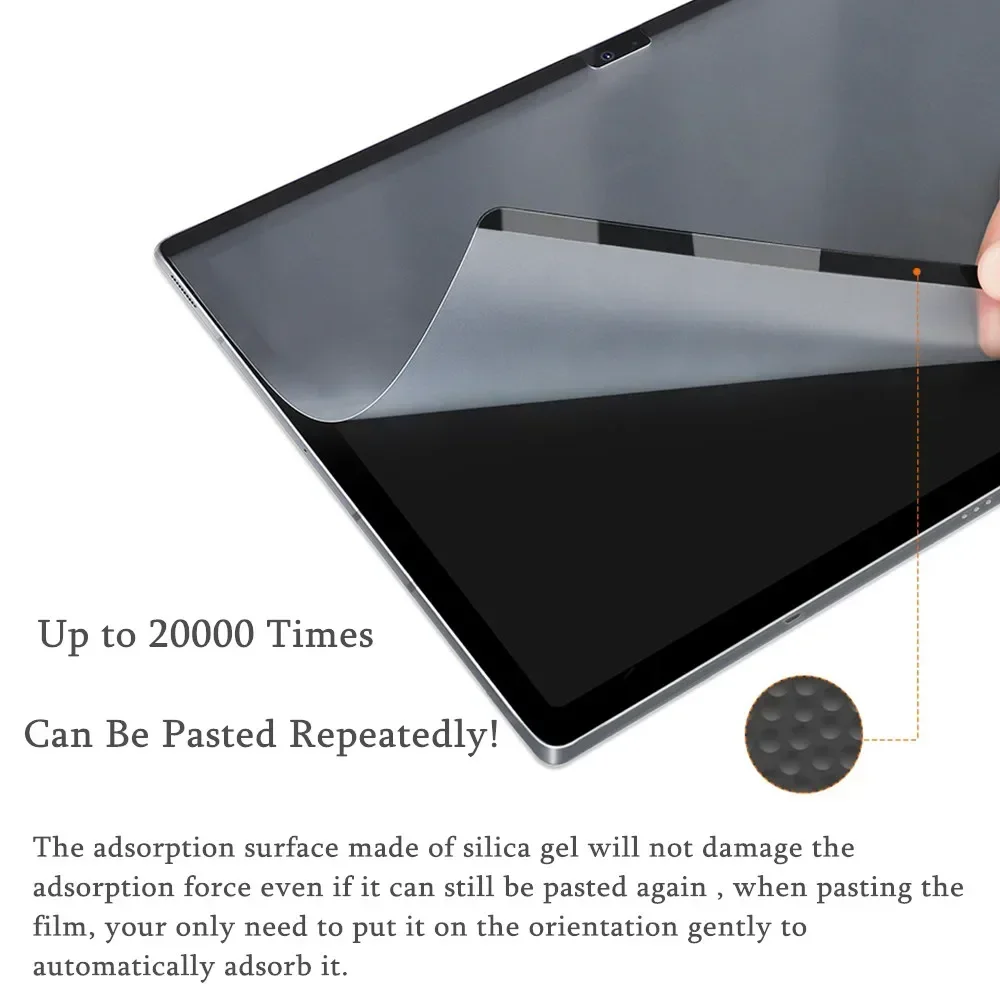
- Easy Installation: Designed for hassle-free application, the screen protector utilizes advanced adhesion technology. Simply align it with your tablet, press down, and watch it adhere effortlessly to the screen.
- Removable and Reusable: If you need to reposition or remove the protector, it can be easily peeled off without leaving any residue. You can even reapply it multiple times, ensuring versatility and economy.
🔍 Compatible Models:
🎯 Our Paper Feel Screen Protectors are precision-cut to fit the following Samsung Galaxy Tab models:
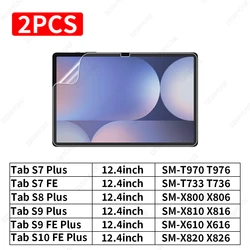
- Galaxy Tab S7 - 11 Inch (SM-T870, SM-T875)
- Galaxy Tab S7 Plus - 12.4 Inch (SM-T970, SM-T975, SM-T976)
- Galaxy Tab S7 Lite - 12.4 Inch
- Galaxy Tab S7 FE - 12.4 Inch (SM-T730, SM-T733, SM-T736, SM-T738)
- Galaxy Tab S8 - 11 Inch (SM-X700, SM-X706)
- Galaxy Tab S8 Plus - 12.4 Inch (SM-X800, SM-X806)
- Galaxy Tab S8 Ultra (SM-X900, SM-X906)
- Galaxy Tab S9 - 11 Inch (SM-X710, SM-X716B, SM-X718U)
- Galaxy Tab S9 Plus - 12.4 Inch (X810, X816B, X818U)
- Galaxy Tab S9 Ultra (X910, X916B, X918U)
- Galaxy Tab S10 - 11 Inch (SM-X720)
- Galaxy Tab S10 Plus - 12.4 Inch (SM-X820, SM-X826B)
- Galaxy Tab S10 Ultra - 14.6 Inch (SM-X920, SM-X926B)
Installation Instructions:
- Begin by thoroughly cleaning your tablet screen to remove any dust particles; this ensures optimal adhesion.
- Align the smooth side of the screen protector with the tablet surface for a perfect fit.
- Firmly press around the "Black Frame" of the protector to enhance the bond with the screen.
- Once installed, enjoy your tablet with confidence!
- To remove, simply peel off the protector. It can be cleaned with water or a damp cloth, rinsed, and laid flat to dry for future use.
- Store your screen protector in a designated storage bag for safekeeping.
🧩 Important Note: A clean screen is crucial for optimal performance—never skip this step!
🖐️ Elevate your tablet usage with our versatile Paper Feel Screen Protector, merging functionality with an authentic writing experience.